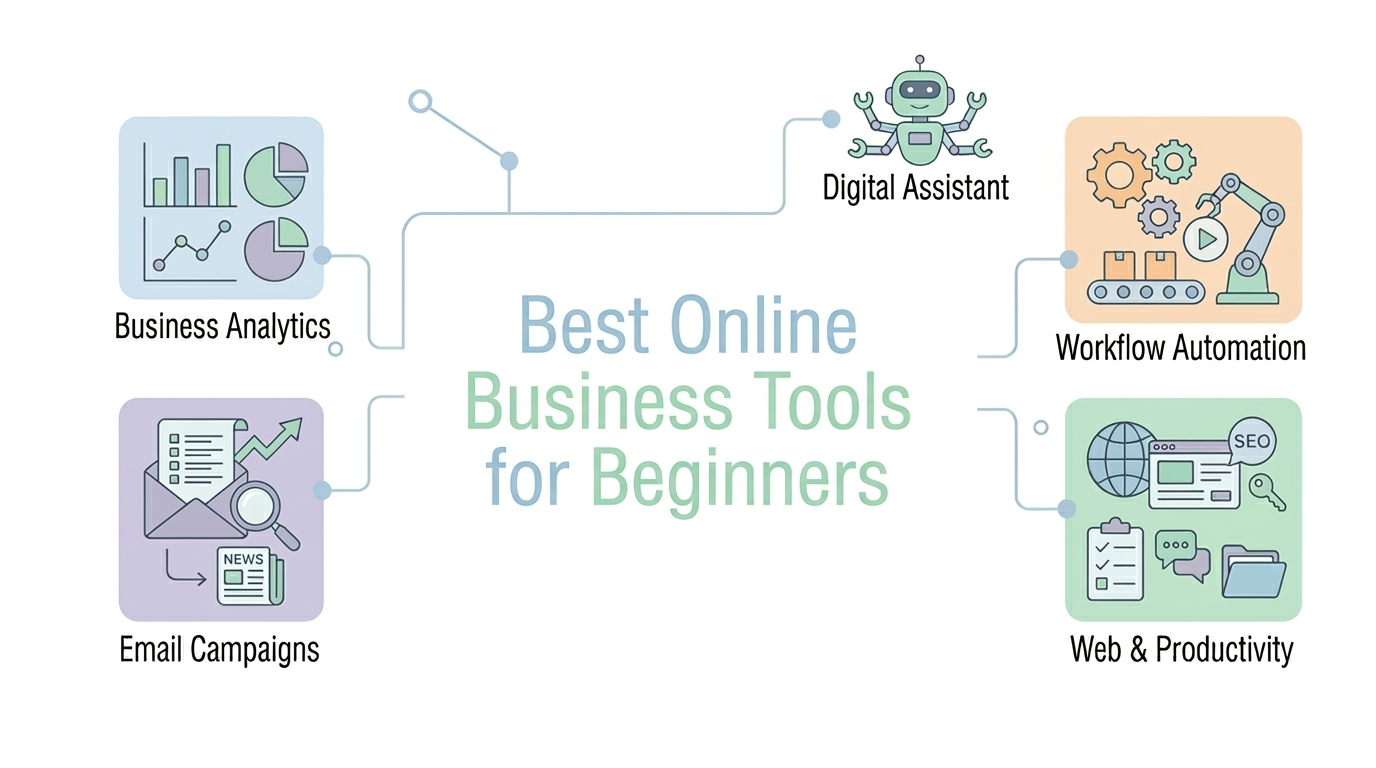
When I first started exploring the world of online business, I believed success depended only on hard work and long hours.
So I tried to do everything manually.
I wrote content myself, designed graphics from scratch, managed emails one by one, and organized ideas in random notebooks. After a few months, I realized something important:
Running an online business without the right tools is extremely inefficient.
Successful entrepreneurs don’t work harder — they work smarter by using tools that automate tasks, improve productivity, and simplify complex work.
The good news is that you don’t need dozens of expensive platforms. In fact, most beginners can run an online business using just a small set of powerful tools.
In this guide, I’ll share 15 of the best online business tools for beginners that can help you save time, stay organized, and grow faster.
Some of them are free, while others offer premium features if you decide to scale your business later.
Let’s get started.
1. Notion – Best Tool for Organizing Everything
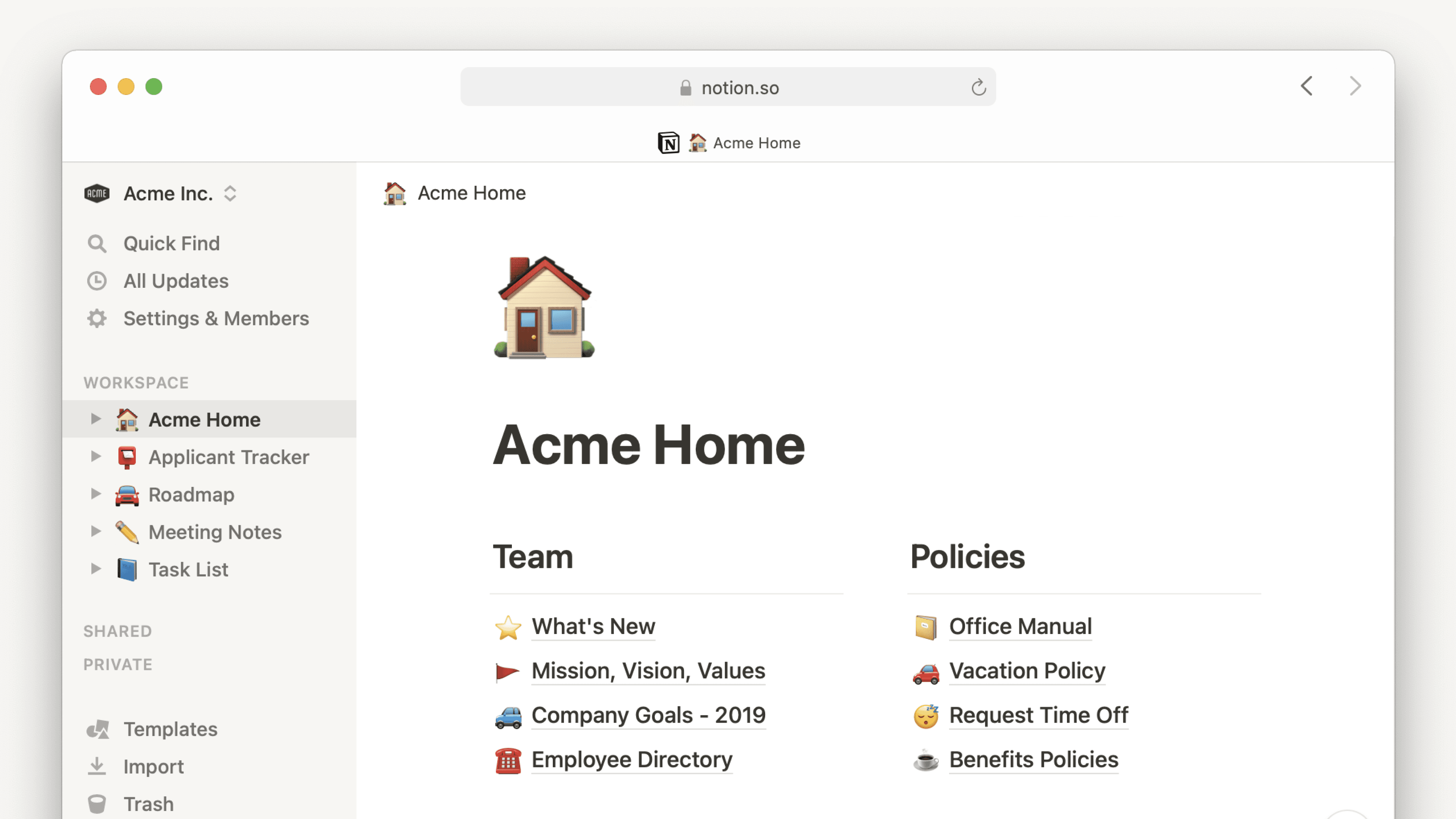
If you struggle with keeping your ideas and projects organized, Notion can quickly become your favorite tool.
I personally use Notion to manage:
- content calendars
- business ideas
- project tasks
- research notes
Instead of using multiple apps, Notion allows you to store everything in one place.
It’s like having a digital workspace where you can plan your entire online business.
Free plan: Yes
Best for: organization, planning, productivity
2. Canva – Best Tool for Design
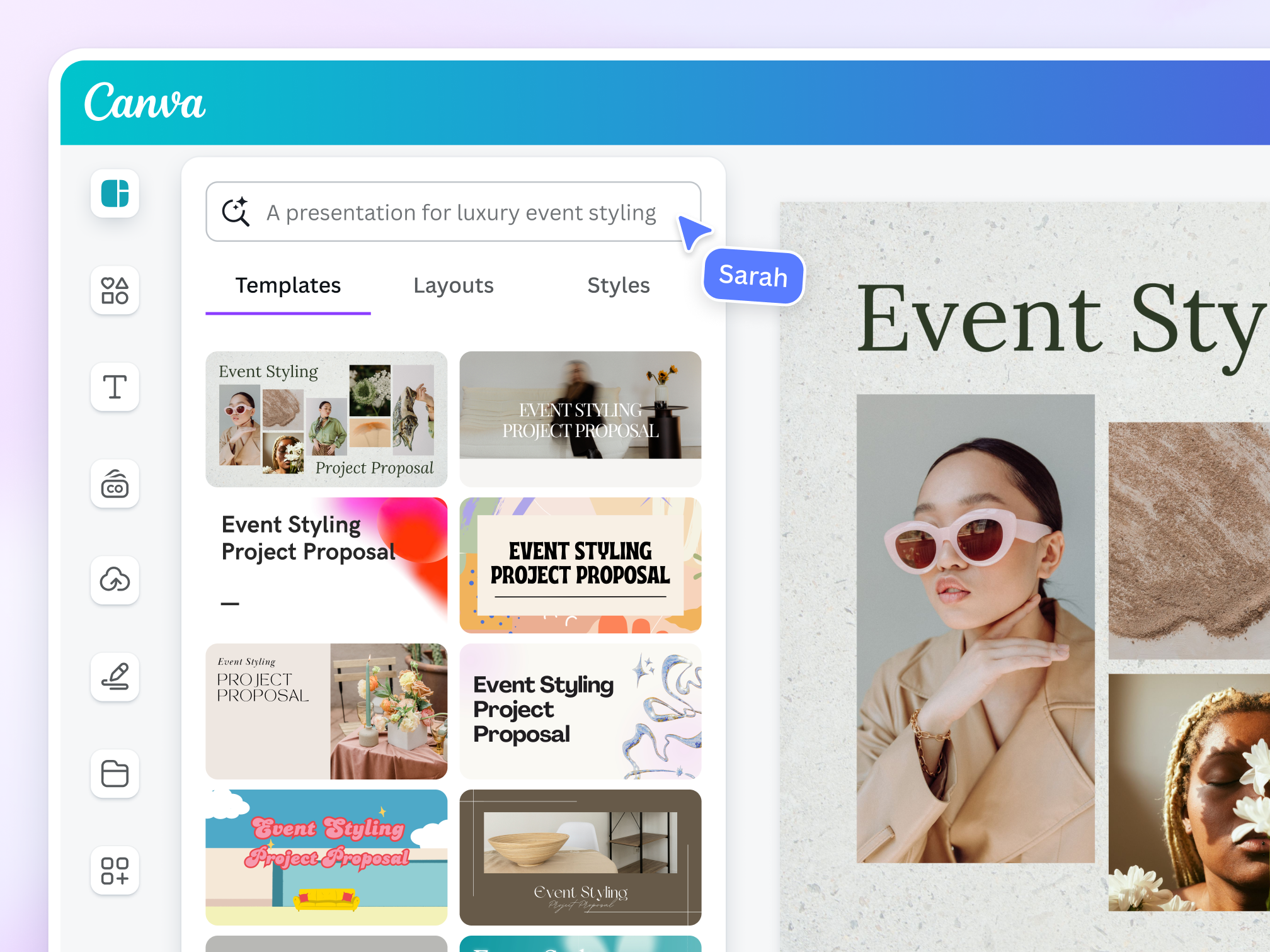
One of the biggest challenges beginners face is design.
You may need graphics for:
- blog posts
- social media
- presentations
- marketing materials
The good news is that you don’t need to be a professional designer.
Canva provides thousands of templates that allow you to create beautiful visuals using simple drag-and-drop tools.
Within minutes, you can design graphics that look professional and polished.
Free plan: Yes
Best for: graphics, social media designs, marketing visuals
3. WordPress – Best Tool for Building Websites

If you want to start a blog or online business, you need a website.
WordPress is one of the most popular website platforms in the world.
Millions of websites use WordPress because it offers:
- flexible customization
- thousands of themes
- powerful plugins
- SEO-friendly structure
Many successful blogs and online businesses started with WordPress.
Free plan: Yes (self-hosted version requires hosting)
Best for: websites, blogs, content platforms
4. Google Workspace – Essential Business Tools
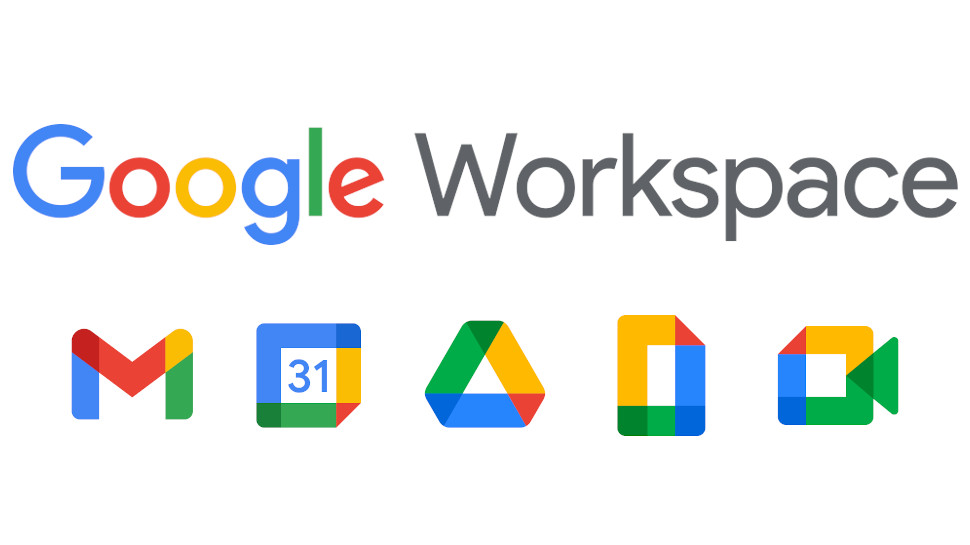
Google Workspace provides several tools that every online business owner needs.
These include:
- Google Docs (for writing content)
- Google Sheets (for tracking data)
- Google Drive (for storing files)
- Google Meet (for online meetings)
I personally use Google Docs when writing articles because it makes collaboration and editing extremely easy.
Free plan: Yes (with limited storage)
Best for: productivity, collaboration
5. Trello – Project Management Made Simple
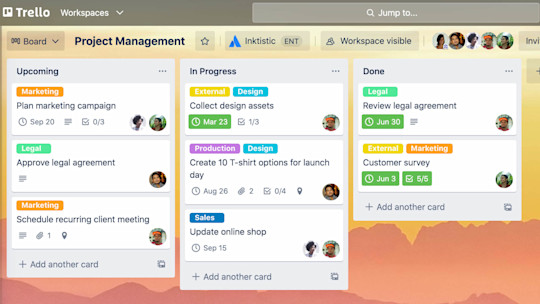
Running an online business often involves managing multiple tasks.
Trello helps you organize projects using a simple board system.
You can create boards for:
- blog content planning
- marketing campaigns
- product development
- daily tasks
The visual layout makes it easy to see what needs to be done next.
Free plan: Yes
Best for: project management
6. Mailchimp – Email Marketing for Beginners
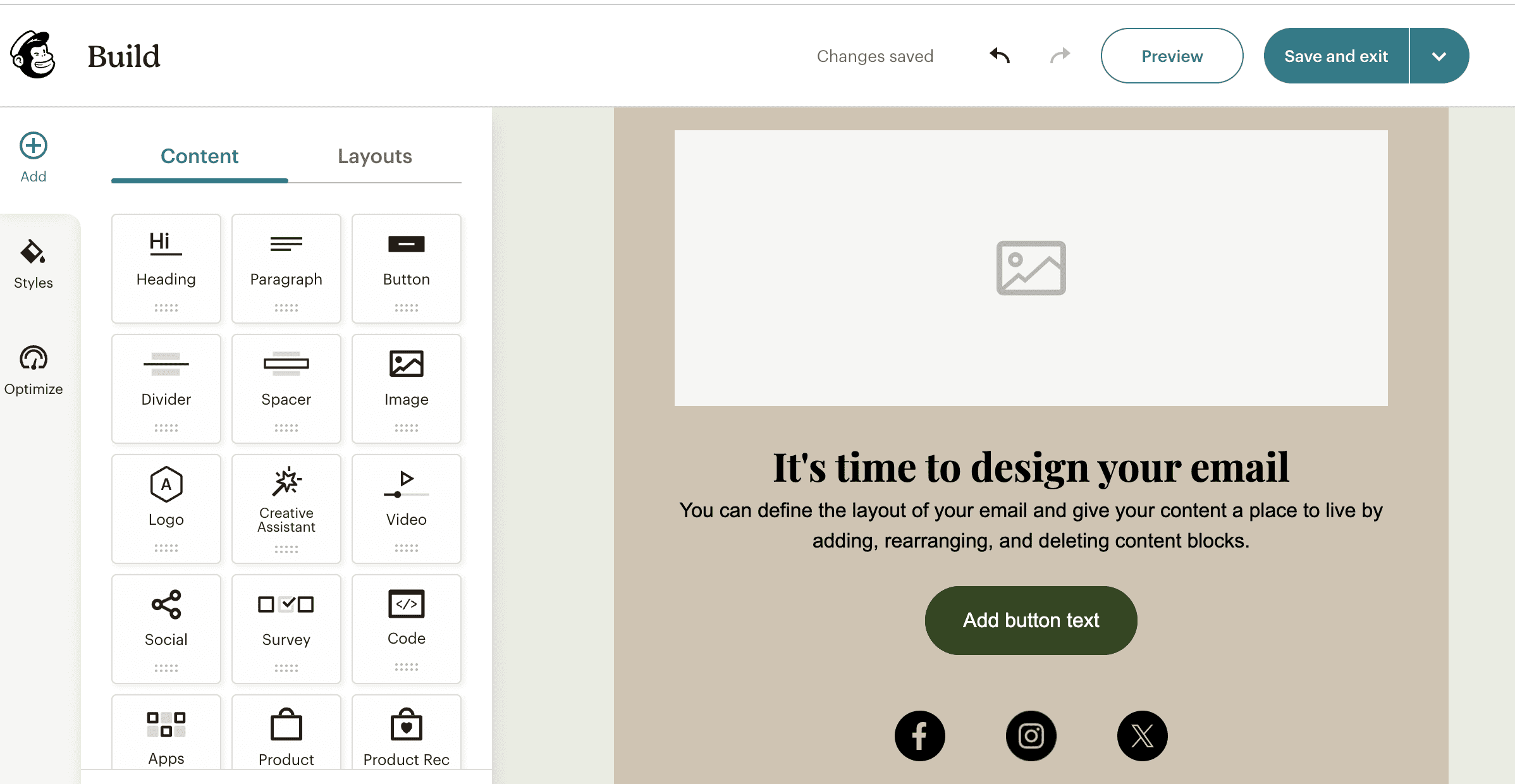
Email marketing remains one of the most powerful ways to build an online business.
Mailchimp allows you to:
- collect email subscribers
- send newsletters
- automate email campaigns
- track email performance
Even a small email list can become extremely valuable over time.
Many online entrepreneurs rely on email marketing to promote products and build relationships with their audience.
Free plan: Yes
Best for: email marketing
7. Zapier – Automation Tool
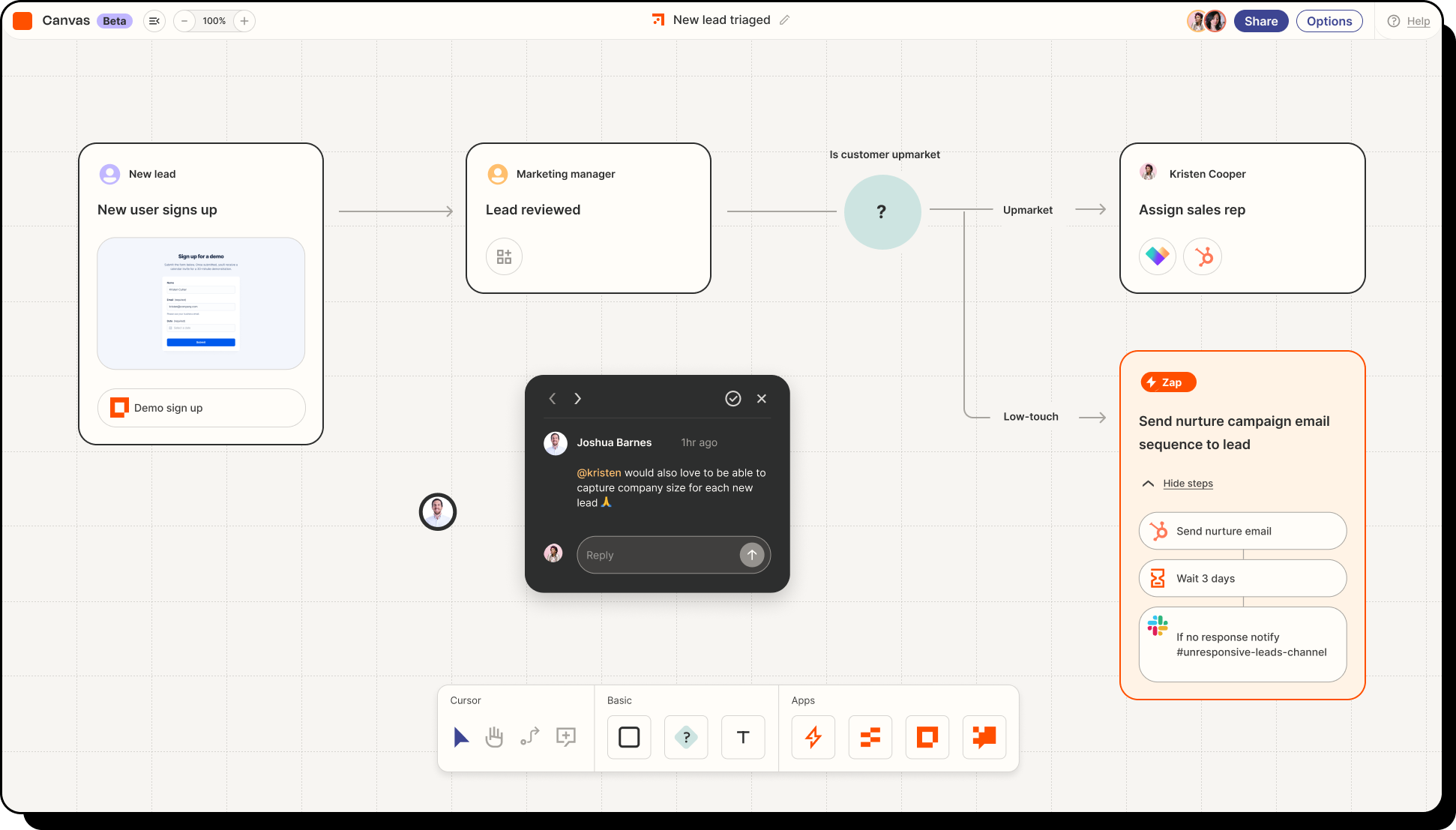
Automation can save you hours of repetitive work.
Zapier connects different apps together and automates workflows.
For example:
- when someone subscribes to your newsletter
- automatically add them to your CRM
- send a welcome email
These small automations can significantly improve efficiency.
Free plan: Yes
Best for: workflow automation
8. Grammarly – Writing Assistant
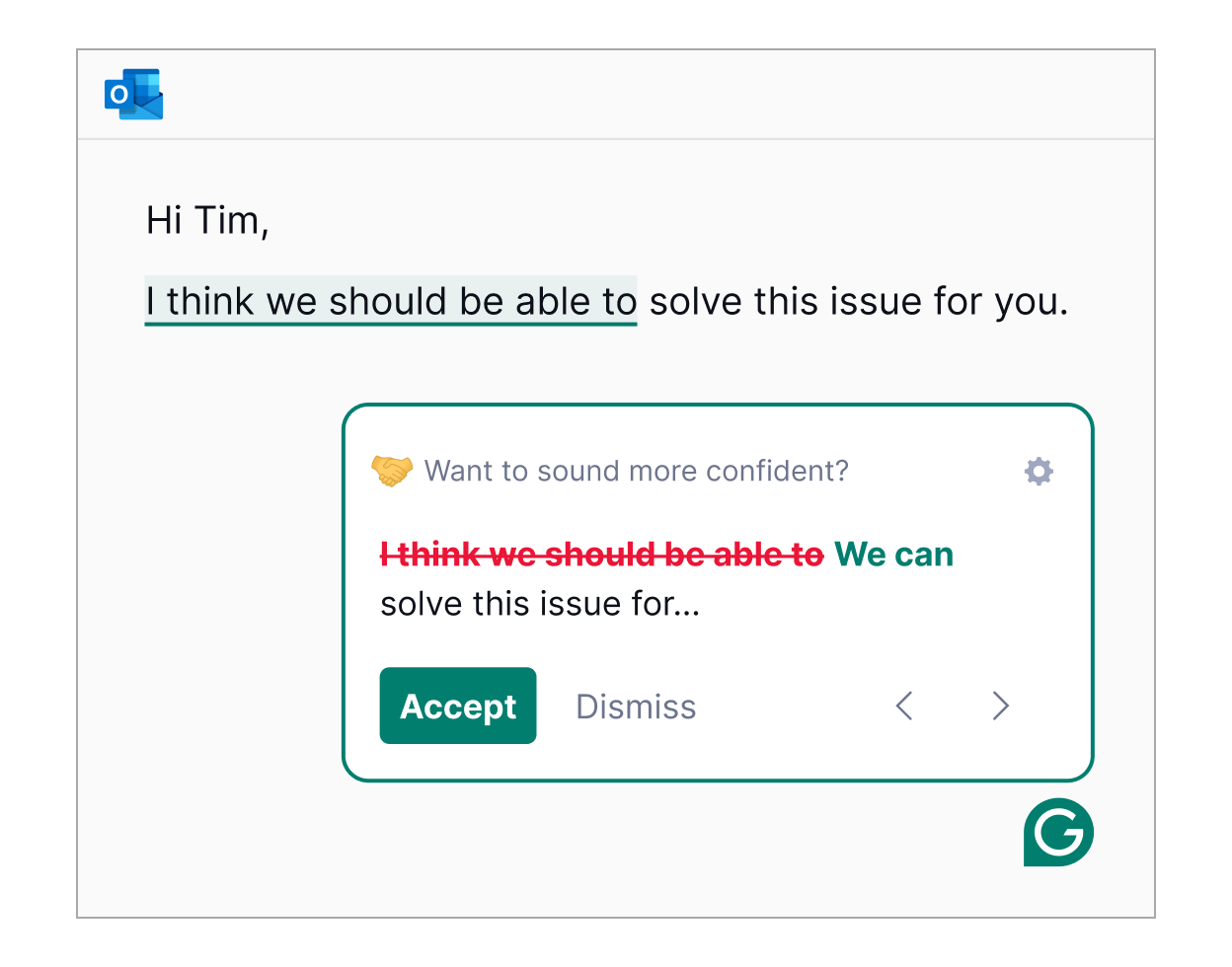
If your business involves writing content, Grammarly can become extremely useful.
It checks your writing for:
- grammar mistakes
- spelling errors
- clarity issues
- tone improvements
This helps ensure that your emails, blog posts, and marketing content always look professional.
Free plan: Yes
Best for: improving writing quality
9. Stripe – Online Payment Processing
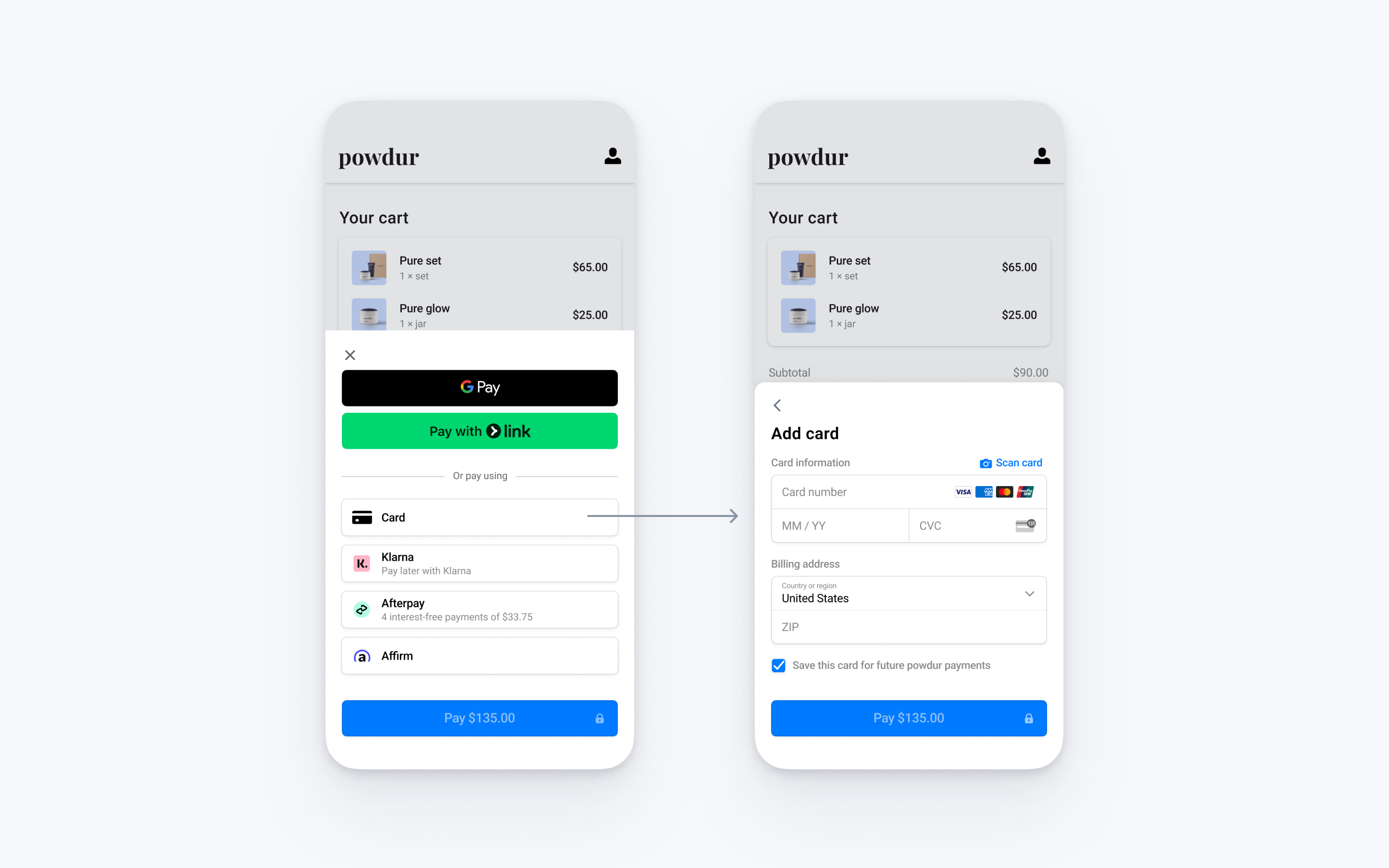
If you plan to sell products or services online, you’ll need a reliable payment system.
Stripe allows businesses to accept payments through:
- credit cards
- debit cards
- digital wallets
It integrates easily with many platforms and is widely trusted by businesses around the world.
Free plan: No monthly fee (transaction fees apply)
Best for: online payments
10. Shopify – E-commerce Platform
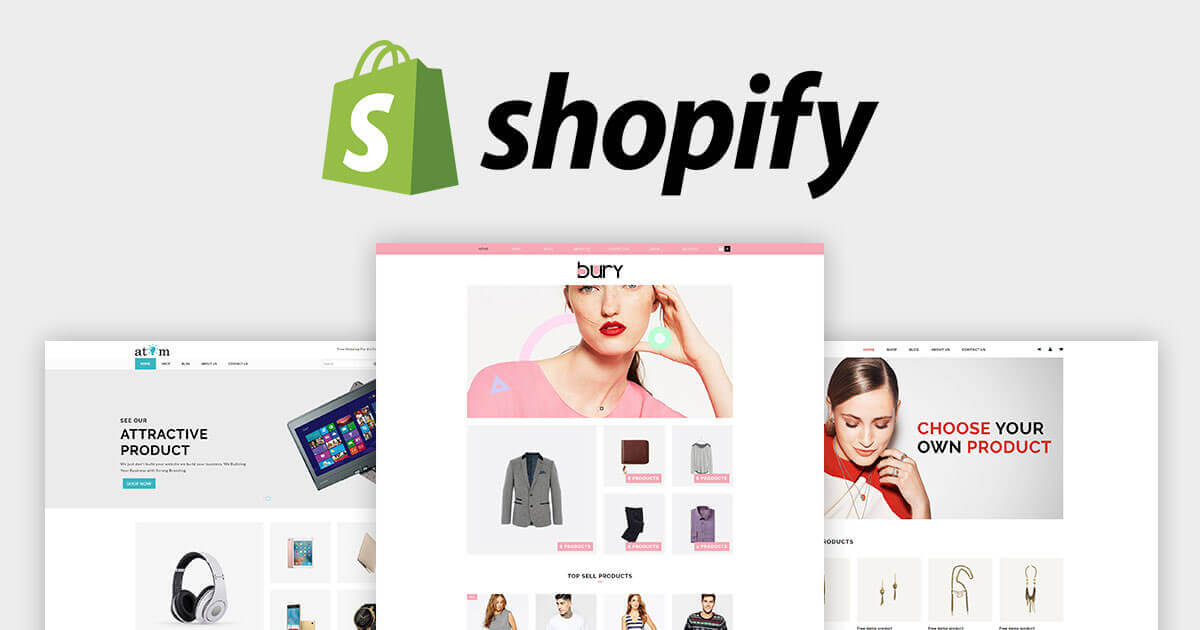
If your goal is to run an online store, Shopify is one of the best platforms available.
It allows beginners to create a professional online store without advanced technical skills.
You can use Shopify to:
- sell physical products
- manage inventory
- process orders
- track sales
Many successful e-commerce businesses started with Shopify.
Free plan: Trial available
Best for: e-commerce businesses
11. Hootsuite – Social Media Management
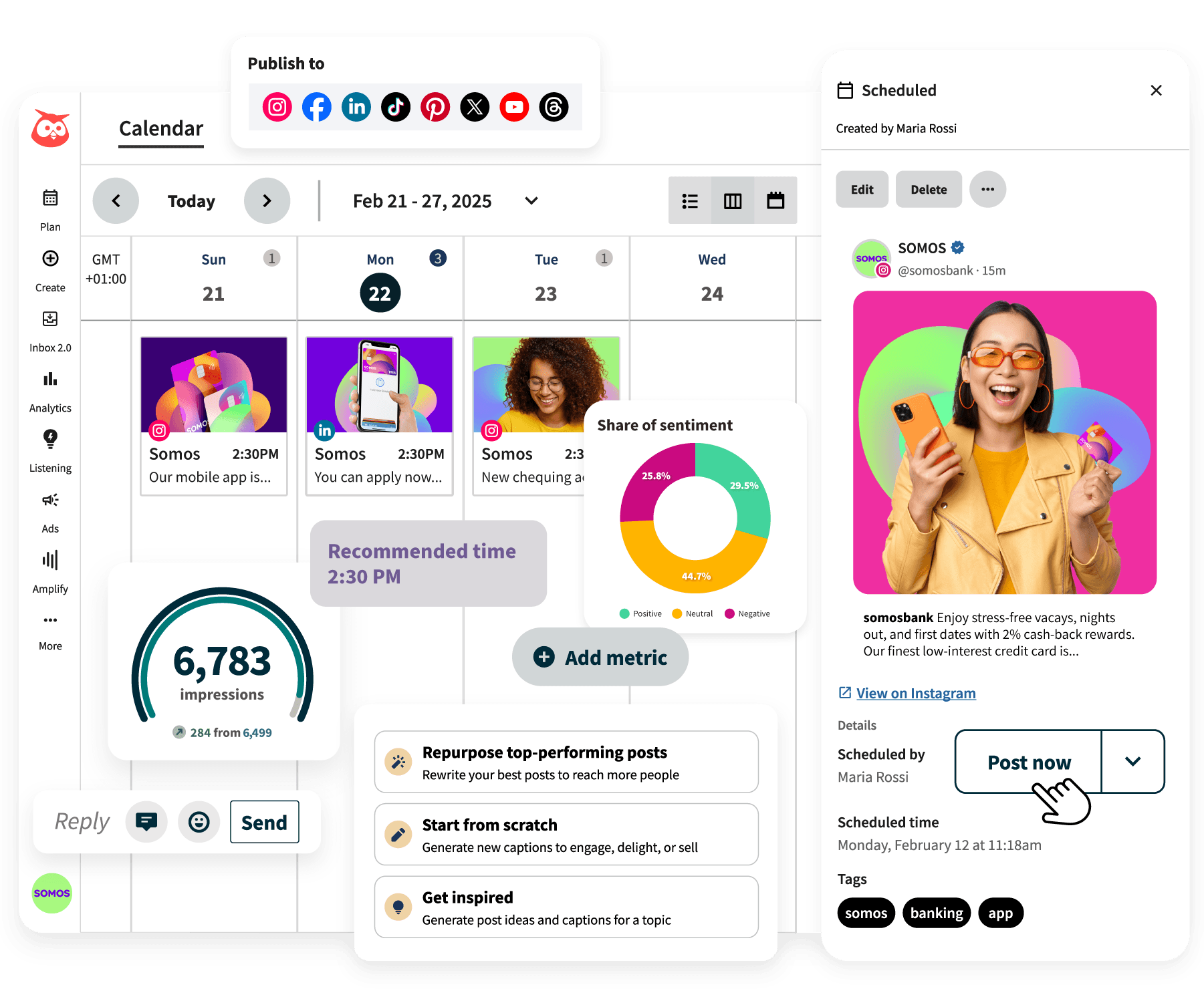
Managing multiple social media platforms can be time-consuming.
Hootsuite helps you schedule posts in advance and manage different accounts from one dashboard.
This allows you to plan your social media strategy more efficiently.
You can schedule content for:
Free plan: Limited
Best for: social media management
12. Ahrefs – SEO Research Tool
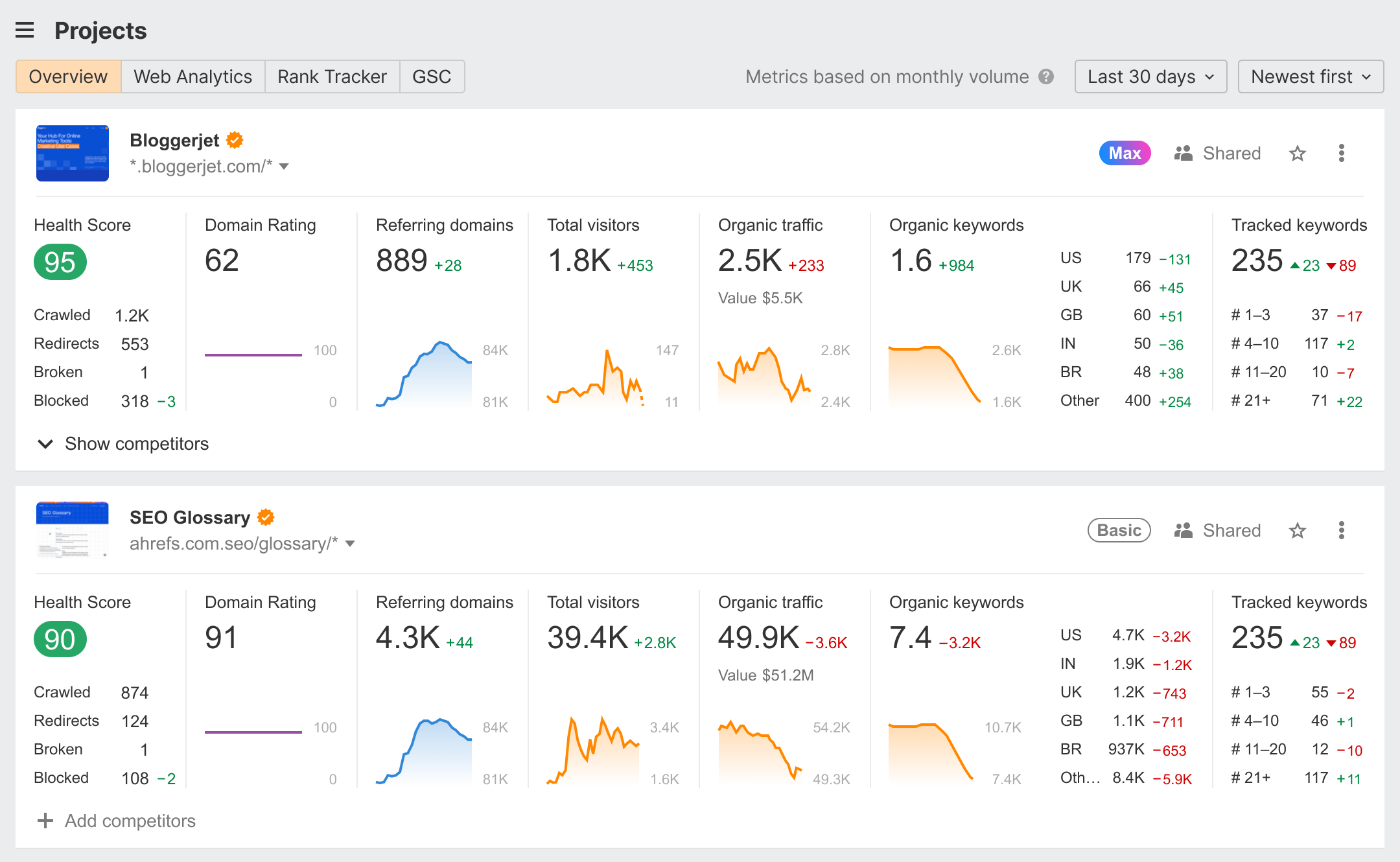
If you run a blog or content website, SEO tools become extremely valuable.
Ahrefs helps you analyze:
- keywords
- competitor websites
- backlinks
- search traffic
This information helps bloggers understand what type of content can bring traffic from search engines.
Free plan: Limited tools available
Best for: SEO research
13. Calendly – Scheduling Meetings
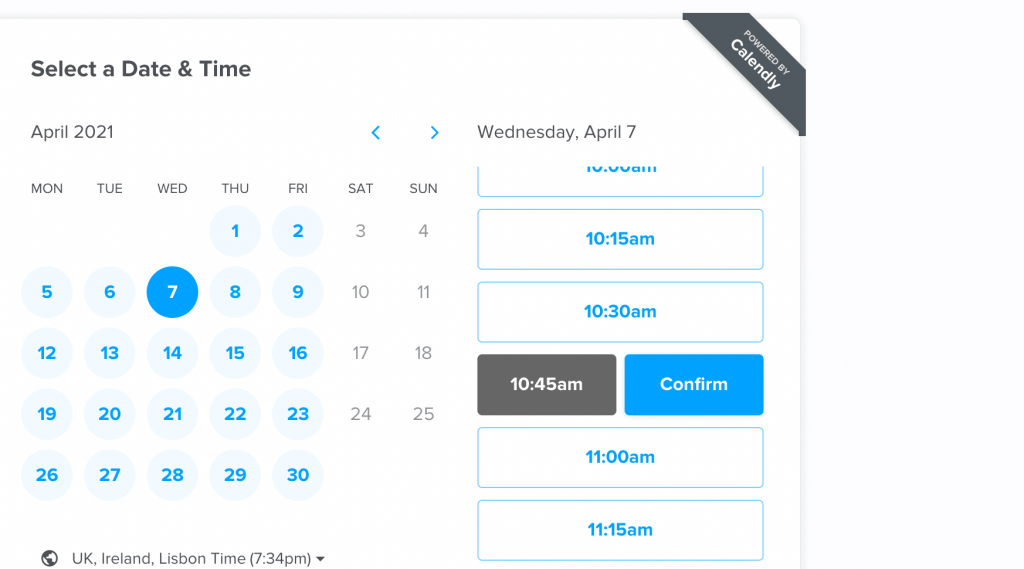
Scheduling meetings through email can quickly become frustrating.
Calendly solves this problem by allowing people to book time slots directly on your calendar.
Instead of long email threads, clients can simply choose a time that works for them.
This tool is especially helpful for:
- consultants
- freelancers
- coaches
Free plan: Yes
Best for: meeting scheduling
14. Slack – Team Communication
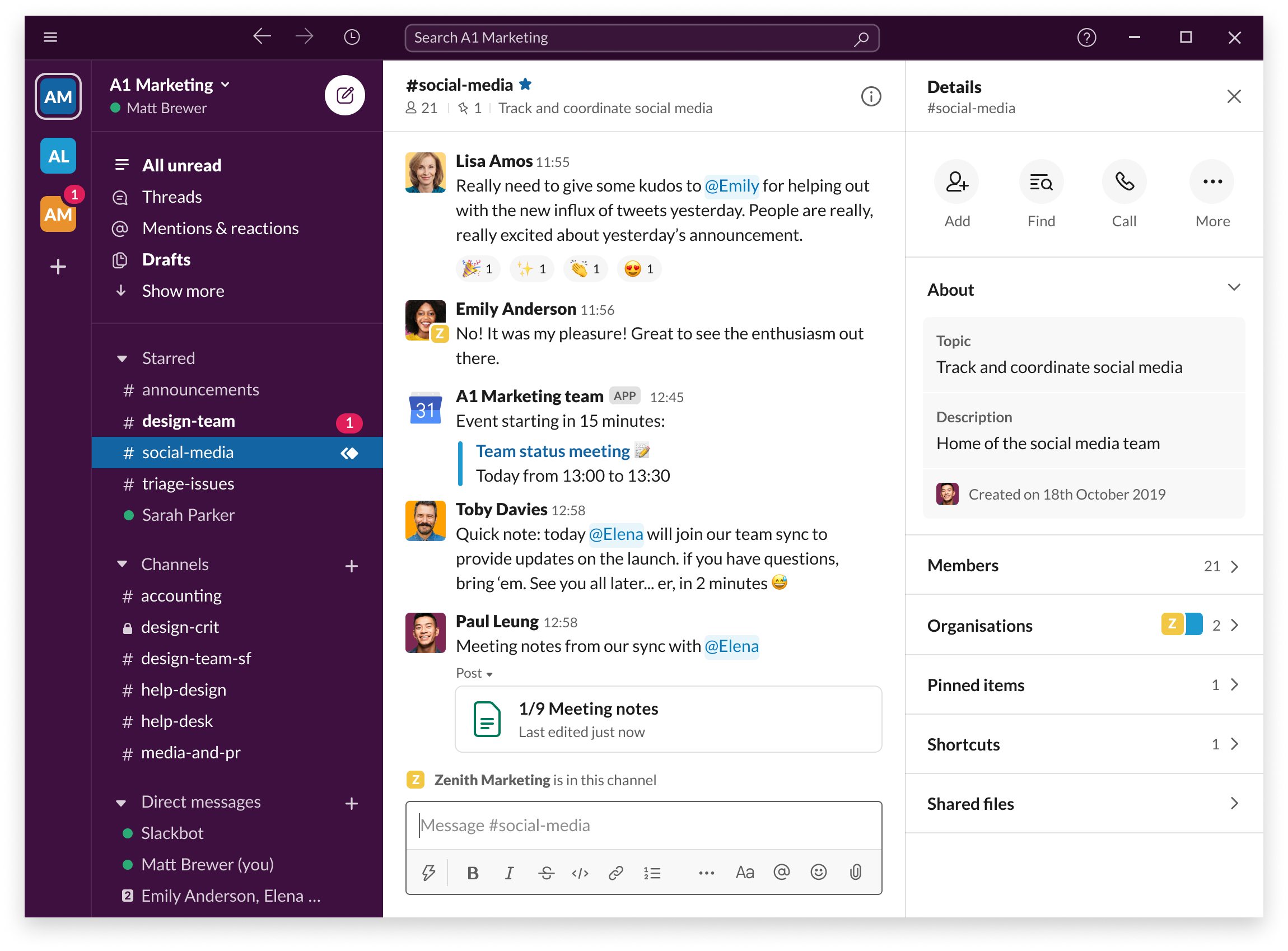
If you eventually start working with a team, communication becomes extremely important.
Slack helps teams communicate quickly through channels and direct messages.
You can create channels for different topics like:
- marketing
- product development
- support
This keeps conversations organized and reduces email clutter.
Free plan: Yes
Best for: team communication
15. ClickUp – All-in-One Business Management Tool
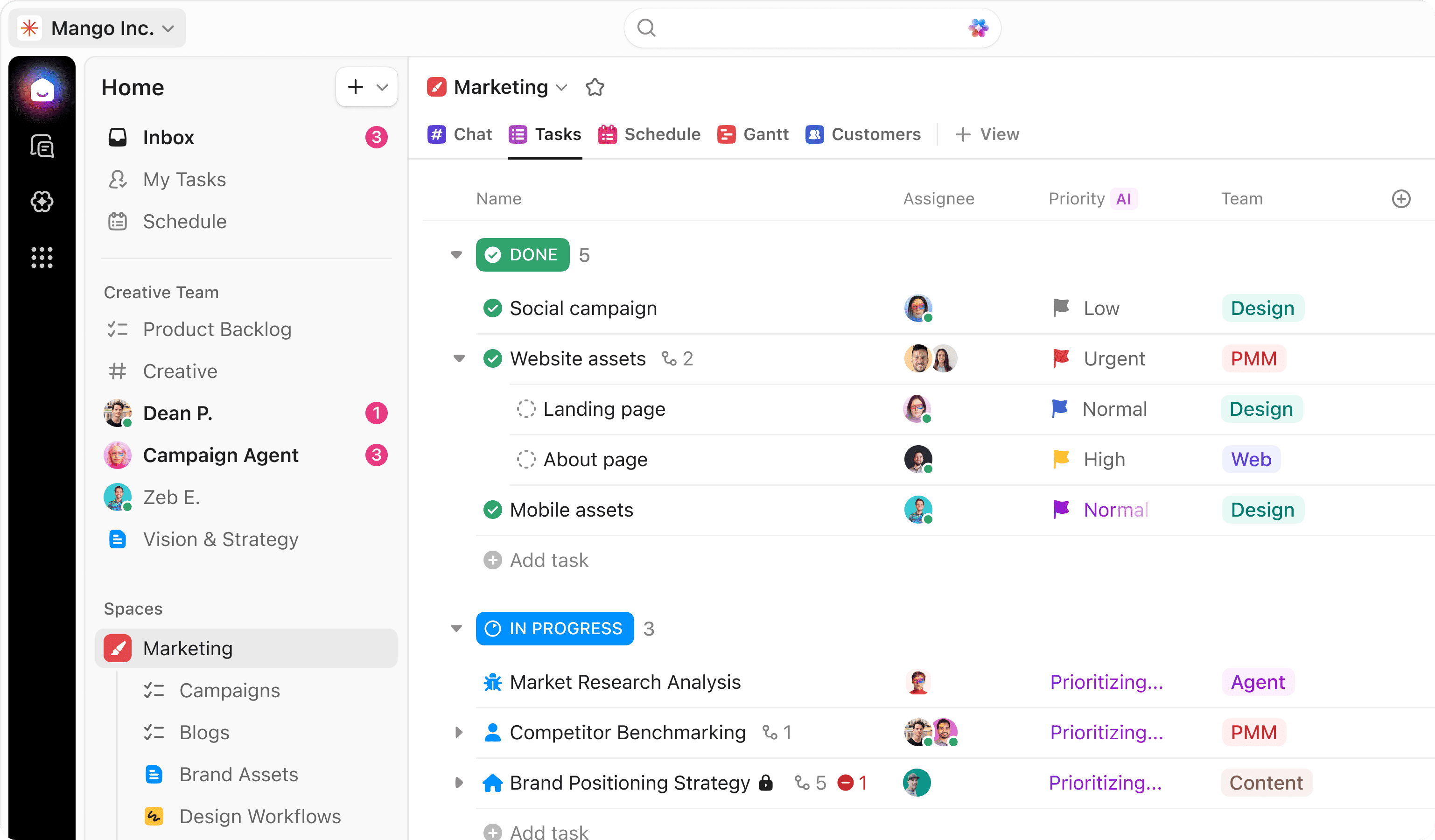
ClickUp combines several business tools into one platform.
You can use it for:
- task management
- goal tracking
- project planning
- team collaboration
Many startups use ClickUp as their central business management system.
For beginners who want an all-in-one tool, it’s definitely worth exploring.
Free plan: Yes
Best for: project and task management
How Beginners Should Choose Online Business Tools
One mistake many beginners make is trying to use too many tools at once.
This can quickly become overwhelming.
Instead, start with a simple toolkit:
- WordPress (website)
- Canva (design)
- Notion (organization)
- Mailchimp (email marketing)
- Zapier (automation)
Once your business grows, you can gradually add more tools.
The goal is not to use the most tools — it’s to use the right tools that simplify your workflow.
Final Thoughts
Starting an online business today is easier than ever.
Thanks to modern software tools, tasks that once required entire teams can now be handled by a single person.
The key is learning how to use these tools effectively.
Start small, experiment with different platforms, and build a workflow that works best for you.
Over time, these tools will help you save hours of work, stay organized, and grow your online business faster.
And remember — tools alone won’t build a successful business.
But when combined with consistent effort and smart strategy, they can make the journey much easier. 🚀