When I first started exploring AI tools, I honestly felt overwhelmed.
Everywhere I looked, there were new AI platforms launching every week. Some promised to write articles, others claimed to design images, and a few even said they could run entire businesses.
The problem was simple:
Which AI tools are actually useful for beginners?
After testing dozens of platforms over the past year, I discovered that most people only need a small set of powerful AI tools to get started.
In this guide, I’ll share 15 beginner-friendly AI tools that can help you:
- create content faster
- improve productivity
- start an online business
- save hours of work every week
Some of these tools are free, while others offer paid plans with more features.
Let’s dive in.
1. ChatGPT – Best AI Tool for Everyday Tasks

If you’re just getting started with AI, this is the first tool I recommend.
ChatGPT is incredibly versatile. I personally use it almost every day for things like:
- generating blog post outlines
- brainstorming ideas
- writing emails
- learning new topics
- solving problems quickly
What makes it great for beginners is how simple the interface is. You just type a question, and the AI responds.
For example, you can ask:
“Give me blog post ideas about AI tools for beginners.”
Within seconds, you’ll get dozens of ideas.
Free plan: Yes
Best for: Writing, research, learning, brainstorming
2. Canva AI – Best AI Tool for Designing Graphics
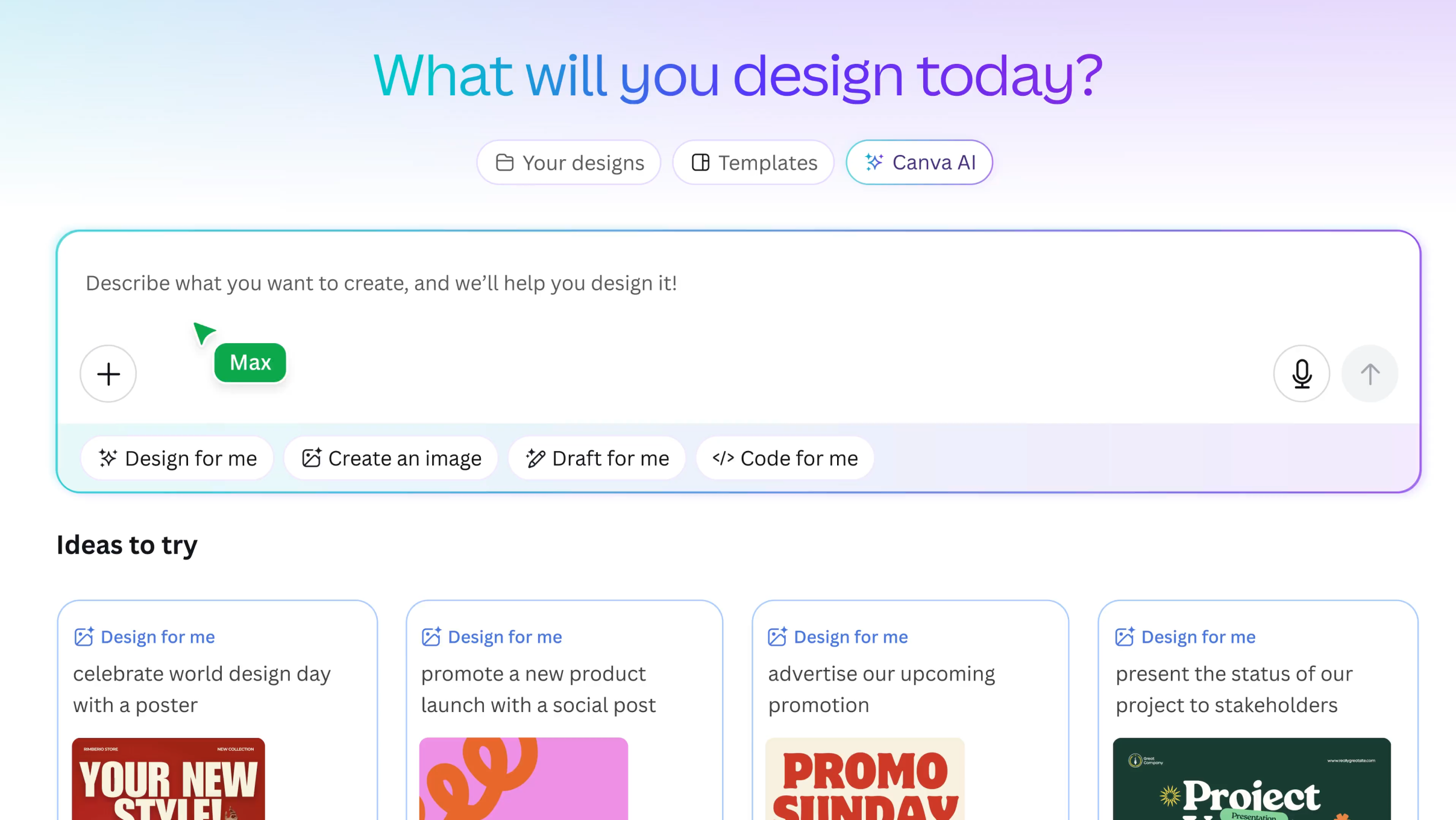
Not everyone is a designer. I definitely wasn’t when I started building websites.
That’s why Canva quickly became one of my favorite tools.
Canva now includes AI features that can help you:
- generate images
- create presentations
- design social media posts
- build blog graphics
The best part is that everything works with simple drag-and-drop tools, so beginners can create professional designs without learning complicated software.
Free plan: Yes
Best for: graphics, blog images, social media posts
3. Notion AI – Best AI Tool for Productivity

If you like keeping your ideas organized, Notion AI can become your digital workspace.
I use Notion to manage:
- blog content plans
- research notes
- business ideas
- project tasks
Notion AI adds powerful features like:
- summarizing notes
- generating content ideas
- organizing information automatically
It feels like having a personal assistant that keeps everything structured.
Free plan: Limited
Best for: organization, planning, productivity
4. Grammarly AI – Best AI Tool for Writing Improvement

Even experienced writers make grammar mistakes.
That’s where Grammarly comes in.
Whenever I finish writing an article or email, I run it through Grammarly to check for:
- grammar errors
- spelling mistakes
- sentence clarity
- tone improvements
For beginners, this tool is incredibly helpful because it teaches you how to write better over time.
Free plan: Yes
Best for: editing and improving writing
5. Midjourney – Best AI Tool for Creating Images
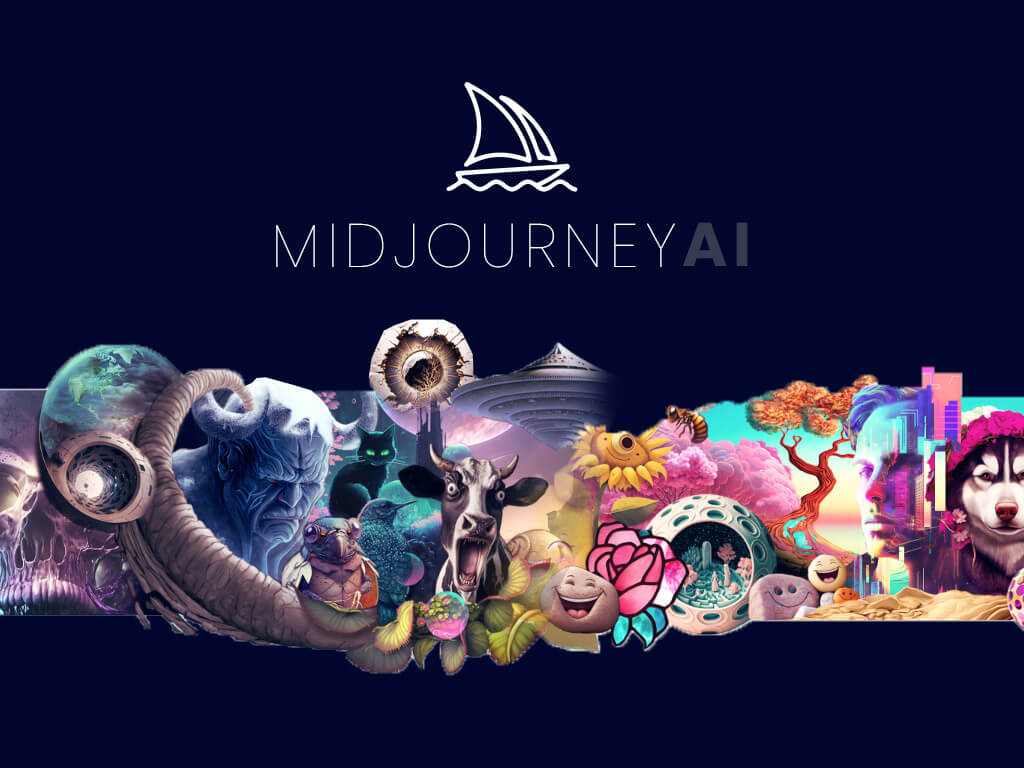
Midjourney is one of the most powerful AI image generators available today.
Instead of searching for stock photos, you can simply type a description like:
“A futuristic city at sunset, digital art style”
And within seconds, the AI generates stunning images.
Many bloggers and content creators use Midjourney to create:
- blog illustrations
- thumbnails
- marketing visuals
The only downside is that beginners may need a little time to learn how prompts work.
Free plan: Limited trials
Best for: AI-generated images
6. Copy.ai – Best AI Tool for Marketing Content

If you’re planning to start an online business, marketing content is something you’ll need regularly.
Copy.ai helps generate:
- ad copy
- product descriptions
- email campaigns
- landing page text
When I tested it for the first time, I was surprised at how quickly it could produce multiple variations of marketing content.
This is especially useful for beginners who struggle with writing persuasive copy.
Free plan: Yes
Best for: marketing and advertising content
7. Jasper AI – Advanced AI Writing Assistant

Jasper is another popular AI writing platform designed specifically for businesses and marketers.
Compared to many other tools, Jasper focuses heavily on:
- long-form content
- brand voice
- marketing campaigns
Many bloggers use Jasper to write drafts for articles and then edit them manually.
However, it’s important to remember something:
AI should help with ideas and structure, but the final content should still include your human touch.
Free plan: No (trial available)
Best for: long-form content and marketing
8. Pictory – AI Tool for Creating Videos
Video content is becoming more important every year.
Pictory makes video creation much easier because it can turn text into videos automatically.
For example, you can paste a blog post and the AI will:
- generate scenes
- add visuals
- create subtitles
- produce a short video
This is especially helpful if you want to start:
- YouTube channels
- short-form video content
- marketing videos
Free plan: Trial available
Best for: converting text into videos
9. Synthesia – AI Video Presenter
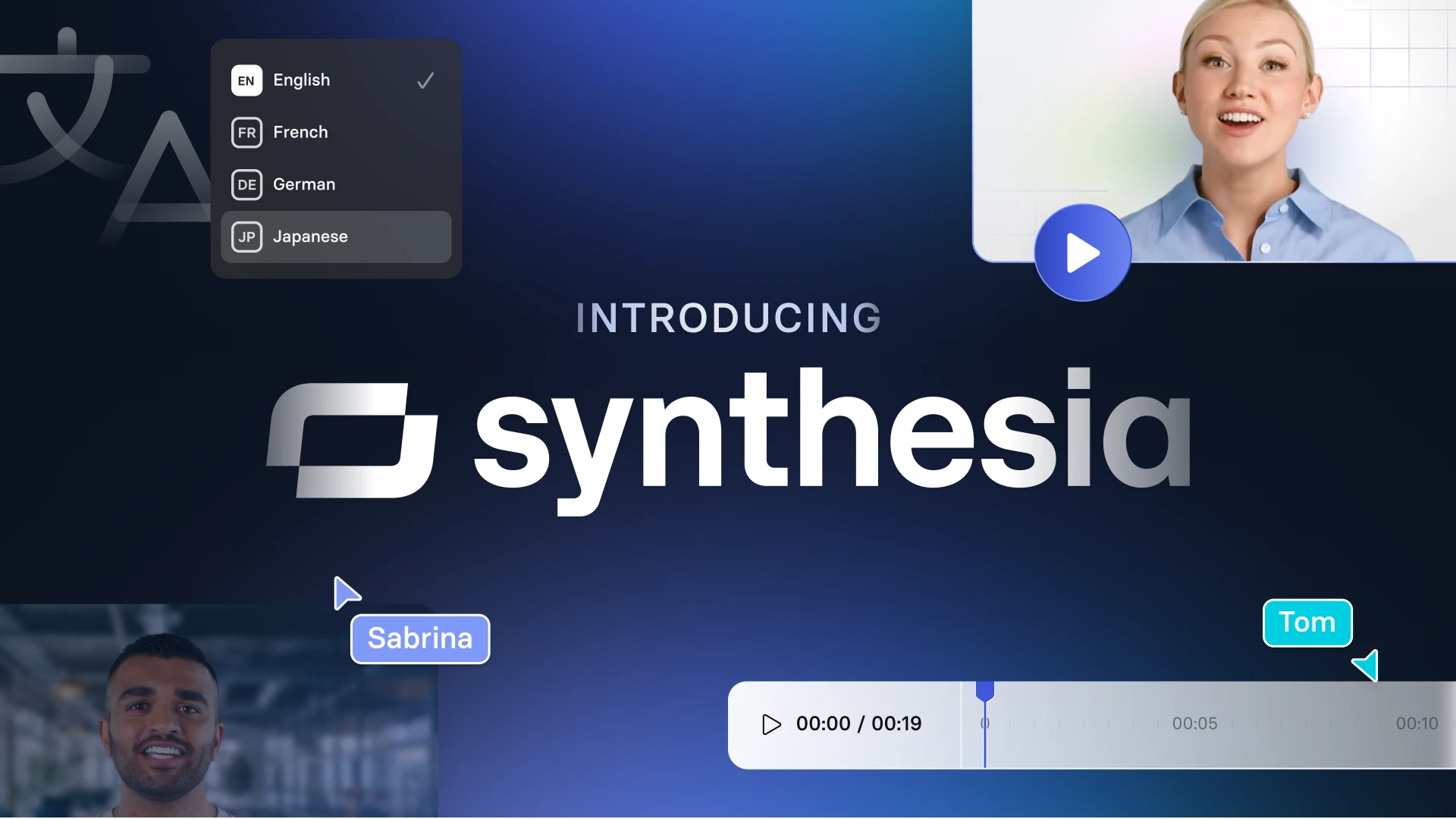
Synthesia allows you to create videos with AI avatars.
Instead of recording yourself on camera, you can type a script and choose a digital presenter.
The AI will generate a professional-looking video where the avatar speaks your script.
Many companies use Synthesia for:
- tutorials
- training videos
- product explanations
For beginners, this can save a lot of time and equipment costs.
Free plan: Limited
Best for: AI-generated presenter videos
10. Runway ML – AI Tool for Video Editing
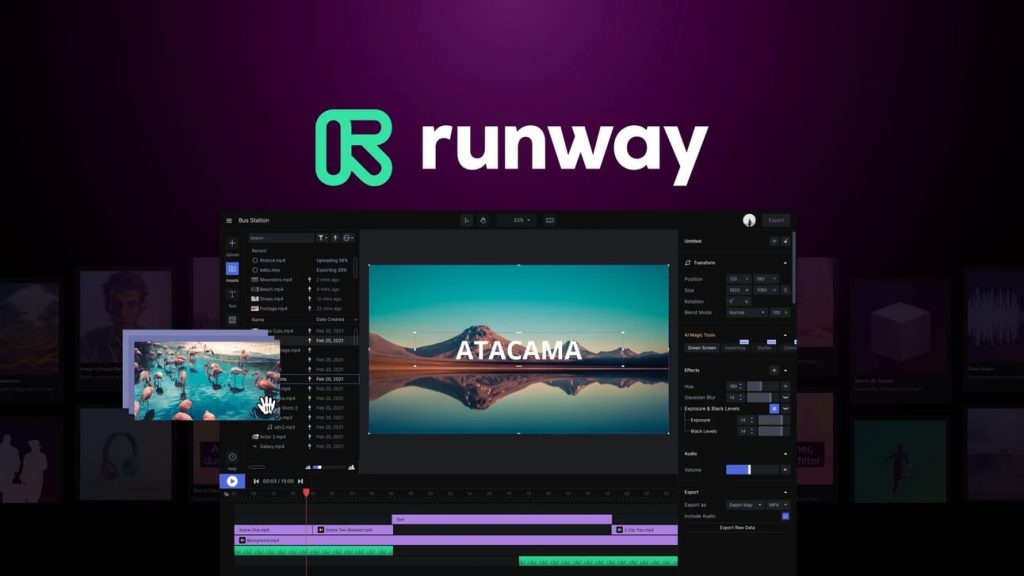
Runway ML is one of the most exciting AI tools for video creators.
It includes features like:
- removing backgrounds
- generating video effects
- editing footage with AI assistance
Although some tools require practice, beginners can still use Runway to experiment with creative video ideas.
Free plan: Yes
Best for: AI-powered video editing
11. Descript – AI Tool for Editing Audio and Video
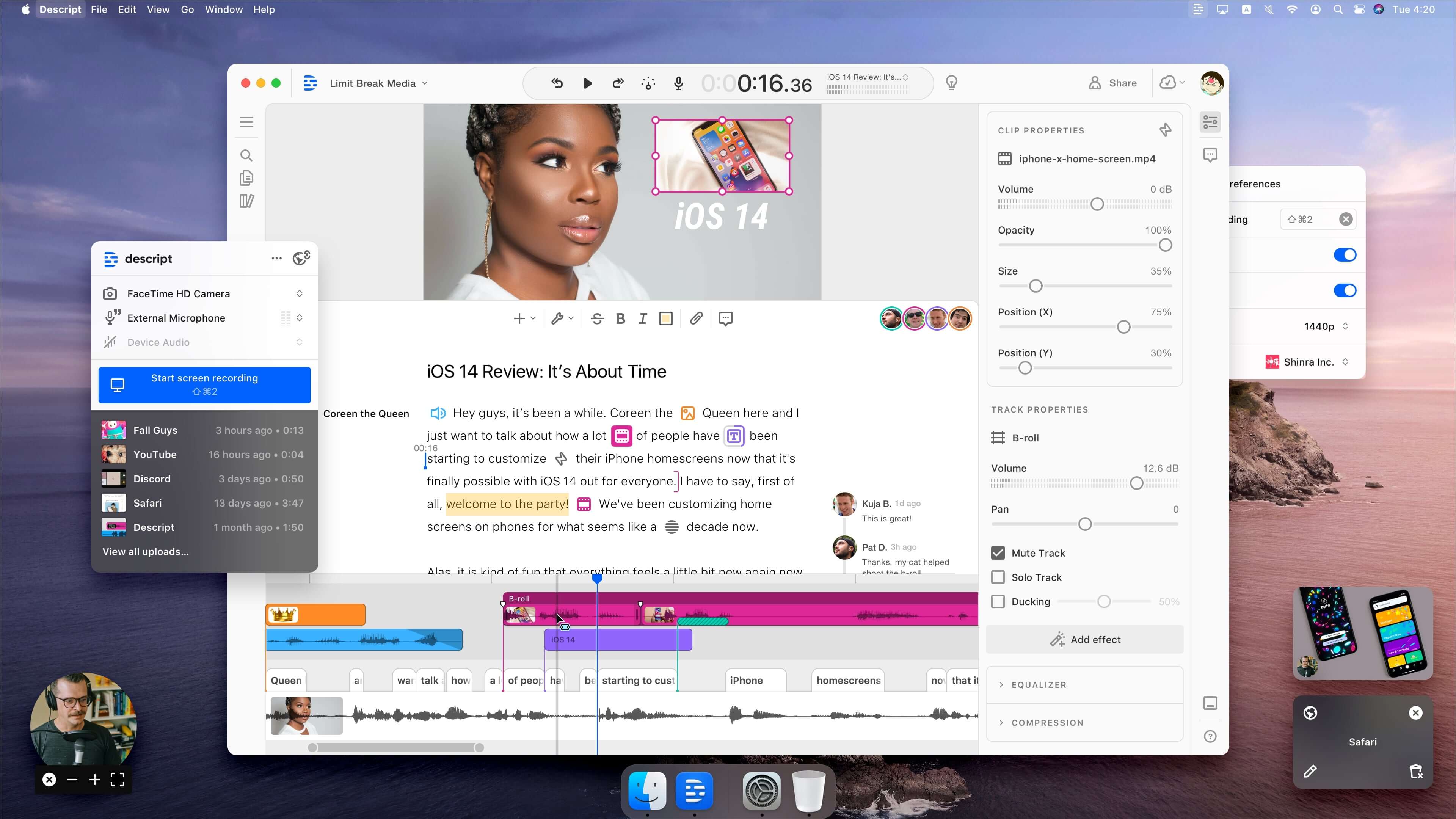
Descript changes the way you edit videos and podcasts.
Instead of editing complicated timelines, you simply edit the text transcript, and the video updates automatically.
Some of its most interesting features include:
- removing filler words
- automatic transcription
- voice cloning
For beginners, this makes content editing much easier.
Free plan: Yes
Best for: podcast and video editing
12. Surfer SEO – AI Tool for SEO Optimization

If you plan to run a blog or content website, SEO tools become very important.
Surfer SEO helps analyze top-ranking pages on Google and suggests:
- keyword usage
- content length
- structure improvements
I like using tools like this to understand what successful articles are doing differently.
However, remember that great content should always prioritize readers first.
Free plan: No (trial available)
Best for: SEO optimization
13. Zapier AI – Automation Tool

One of the smartest ways to use AI is automation.
Zapier connects different apps and automates tasks between them.
For example:
- when someone subscribes to your newsletter
- automatically add them to your email list
- send a welcome email
These small automations can save hours of repetitive work.
Free plan: Yes
Best for: automating online workflows
14. Tome AI – AI Tool for Presentations

Creating presentations from scratch can take hours.
Tome AI makes the process much faster.
You simply describe your topic, and the AI generates:
- slides
- text content
- visuals
This tool is particularly helpful for:
- students
- entrepreneurs
- educators
Free plan: Yes
Best for: AI presentations
15. Durable AI – AI Website Builder
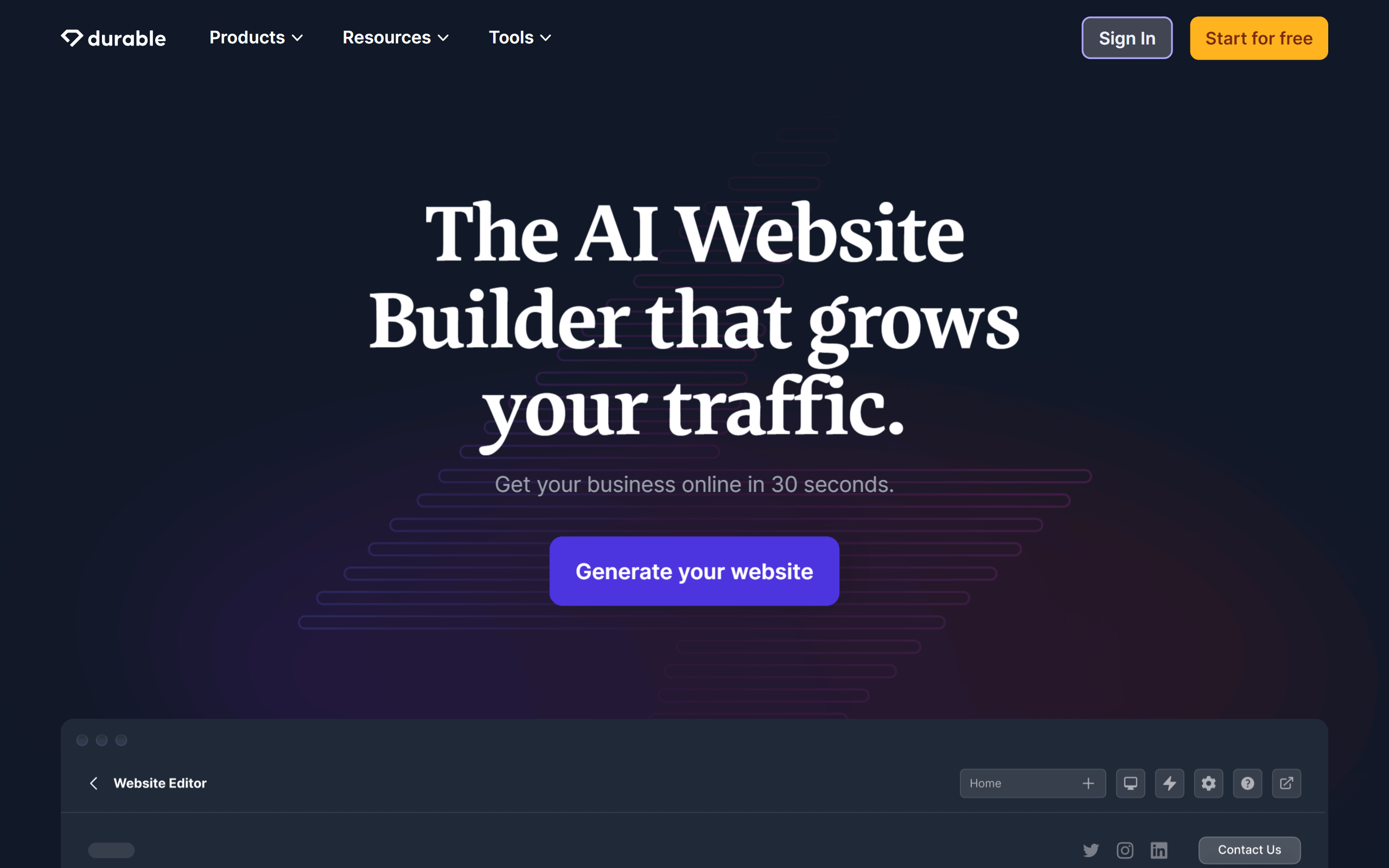
Durable is an AI tool that can create a website in minutes.
You simply enter your business type, and the AI generates:
- a website layout
- content sections
- images
While you may still want to customize the design later, it’s a great starting point for beginners who want to launch a website quickly.
Free plan: Trial available
Best for: quick website creation
How Beginners Should Use AI Tools
One mistake many beginners make is relying completely on AI.
But the best results happen when you combine:
AI assistance + human creativity
A simple rule I like to follow is:
- 40% AI for research and outlines
- 60% human effort for editing, storytelling, and personal insights
This approach makes your content feel authentic and helpful, which is exactly what readers and search engines prefer.
Final Thoughts
AI tools are changing the way we work online.
Tasks that once took hours can now be completed in minutes.
But the goal isn’t to replace human work — it’s to work smarter and faster.
If you’re just starting out, don’t try to learn every tool at once.
Instead:
- Pick 2–3 tools from this list
- Use them regularly
- Slowly expand your AI toolkit
Over time, you’ll build your own workflow and discover which tools help you the most.
And who knows — these tools might even help you build your next online business. 🚀