When I first started working online, most of my time was spent doing repetitive tasks.
Writing content took hours.
Designing images took even longer.
And researching ideas sometimes felt endless.
At one point I realized something important: many of these tasks could actually be automated or simplified using AI tools.
At first, I was skeptical. I thought AI tools would produce low-quality results or require a lot of technical knowledge. But after experimenting with different platforms, I discovered that the right AI tools can save an incredible amount of time every week.
Today, I regularly use several AI tools that help me write faster, organize my work, generate ideas, and automate small tasks. Instead of spending hours on repetitive work, I can focus more on strategy and creativity.
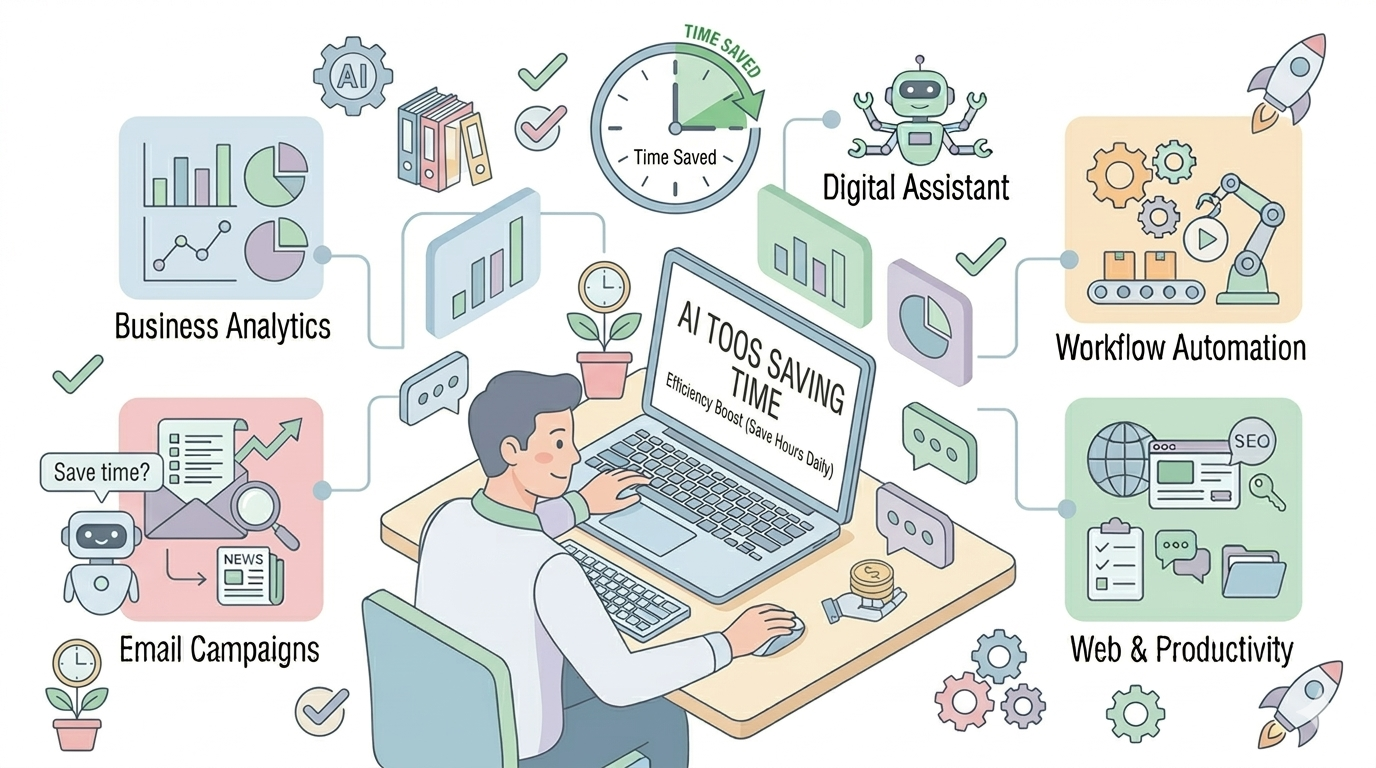
In this article, I’ll share 11 AI tools that can save you more than 10 hours every week, especially if you’re a blogger, content creator, or online entrepreneur.
1. ChatGPT – The Ultimate AI Assistant
If you’re just getting started with AI, this is probably the first tool you should learn.
ChatGPT is extremely versatile and can help with many everyday tasks such as:
- generating blog post ideas
- writing outlines for articles
- brainstorming business ideas
- answering research questions
- drafting emails or messages
Personally, I use ChatGPT most often for content planning. Instead of staring at a blank screen, I ask it to generate article outlines or topic ideas. Within seconds, I have a structured starting point.
This alone can save hours every week.
Best for: brainstorming, writing assistance, research
2. Grammarly – AI Writing and Editing Tool
Even if you’re a good writer, it’s easy to make small mistakes.
Grammarly acts like an AI editor that helps improve your writing by checking:
- grammar mistakes
- spelling errors
- sentence clarity
- tone
Whenever I finish writing an article, I quickly run it through Grammarly before publishing. It instantly highlights issues and suggests better wording.
This means I don’t have to spend extra time manually proofreading everything.
Best for: editing blog posts, emails, and documents
3. Canva AI – Fast Graphic Design
Creating visuals for blog posts and social media used to take me a lot of time.
Then I started using Canva.
With its AI features, Canva can help generate:
- blog featured images
- social media graphics
- presentations
- marketing visuals
The drag-and-drop interface makes it very beginner-friendly. Even if you have no design experience, you can create professional-looking graphics in minutes.
For bloggers and entrepreneurs, this tool alone can save several hours each week.
Best for: graphics, blog images, social media design
4. Notion AI – Organizing Your Work
When you’re running a blog or online business, you often have dozens of ideas, tasks, and projects at the same time.
Notion helps organize everything in one place.
With Notion AI, you can also:
- summarize notes
- generate task lists
- organize research
- plan content calendars
I like using Notion to track blog ideas and content plans. Instead of keeping scattered notes across different apps, everything stays organized in one workspace.
Best for: productivity, organization, planning
5. Jasper AI – Content Writing Assistant
Jasper is a popular AI writing tool designed for marketers and content creators.
Many bloggers use Jasper to generate:
- article drafts
- product descriptions
- marketing copy
- ad campaigns
While I wouldn’t recommend publishing AI-generated text without editing it, Jasper can be extremely useful for creating first drafts quickly.
This helps reduce the time spent on the initial writing process.
Best for: long-form content and marketing writing
6. Midjourney – AI Image Generator
Finding high-quality images for blog posts can sometimes be difficult.
Midjourney solves this by generating unique images from simple text prompts.
For example, you can type something like:
“Modern tech illustration showing artificial intelligence and automation.”
Within seconds, the AI produces several image options.
Many bloggers now use AI image generators to create custom visuals for their articles instead of searching for stock photos.
Best for: unique blog images and creative illustrations
7. Descript – AI Tool for Editing Audio and Video
If you create videos or podcasts, editing can take a lot of time.
Descript changes the process completely.
Instead of editing complicated video timelines, Descript allows you to edit the text transcript of your recording. When you delete words from the transcript, they are removed from the audio or video automatically.
It also includes features like:
- automatic transcription
- removing filler words
- screen recording tools
For content creators, this can dramatically speed up the editing process.
Best for: podcast editing and video content creation
8. Pictory – Turn Text into Videos
Pictory is another powerful AI tool that can convert text content into videos.
For example, you can paste a blog post and the tool will automatically:
- generate video scenes
- add stock visuals
- create subtitles
- produce a short video
This is extremely helpful if you want to repurpose blog content into video formats for platforms like YouTube or social media.
Instead of manually editing everything, the AI handles most of the work.
Best for: turning blog content into videos
9. Zapier – Automating Repetitive Tasks
Zapier is not only an automation tool, but when combined with AI features it becomes even more powerful.
Zapier connects different apps and allows them to communicate automatically.
For example:
- when someone subscribes to your newsletter
- automatically add them to your email list
- send a welcome message
- store the information in your CRM
These small automations remove many repetitive tasks that would otherwise require manual work.
Best for: workflow automation and integrations
10. Surfer SEO – AI Tool for SEO Optimization
If you run a blog, SEO is extremely important for getting traffic from search engines.
Surfer SEO analyzes top-ranking articles on Google and suggests improvements for your content, such as:
- keyword usage
- content structure
- recommended article length
- heading suggestions
While it doesn’t replace good writing, it can help ensure your article covers the topics that readers are searching for.
Best for: optimizing blog posts for search engines
11. Tome AI – AI Presentation Creator
Creating presentations from scratch can take hours.
Tome AI simplifies the process by generating slides automatically based on your topic.
You can simply describe your idea, and the tool will produce:
- slide layouts
- written content
- visual elements
For students, marketers, and entrepreneurs who frequently create presentations, this tool can save a lot of time.
Best for: fast presentation creation
How to Actually Save Time with AI Tools
One mistake many beginners make is trying to use too many AI tools at once.
Instead, I recommend starting with just two or three tools that match your workflow.
For example:
Bloggers might use:
- ChatGPT for research and ideas
- Canva for graphics
- Surfer SEO for optimization
Content creators might prefer:
- ChatGPT for scripts
- Descript for editing
- Pictory for video creation
The goal isn’t to replace your work completely. Instead, these tools help you work faster and smarter.
Final Thoughts
AI tools are changing how we work online.
Tasks that once required hours of manual effort can now be completed in minutes with the right tools.
However, the most effective approach is to combine AI assistance with human creativity.
A simple rule that works well for many bloggers and creators is:
40% AI assistance + 60% human effort
AI helps with research, outlines, and automation, while your own insights and experience make the content valuable and unique.
If you start using even a few of the tools mentioned in this article, you’ll likely notice something interesting very quickly:
You’ll finish your work faster, stay more organized, and free up more time to focus on the things that really matter. 🚀